
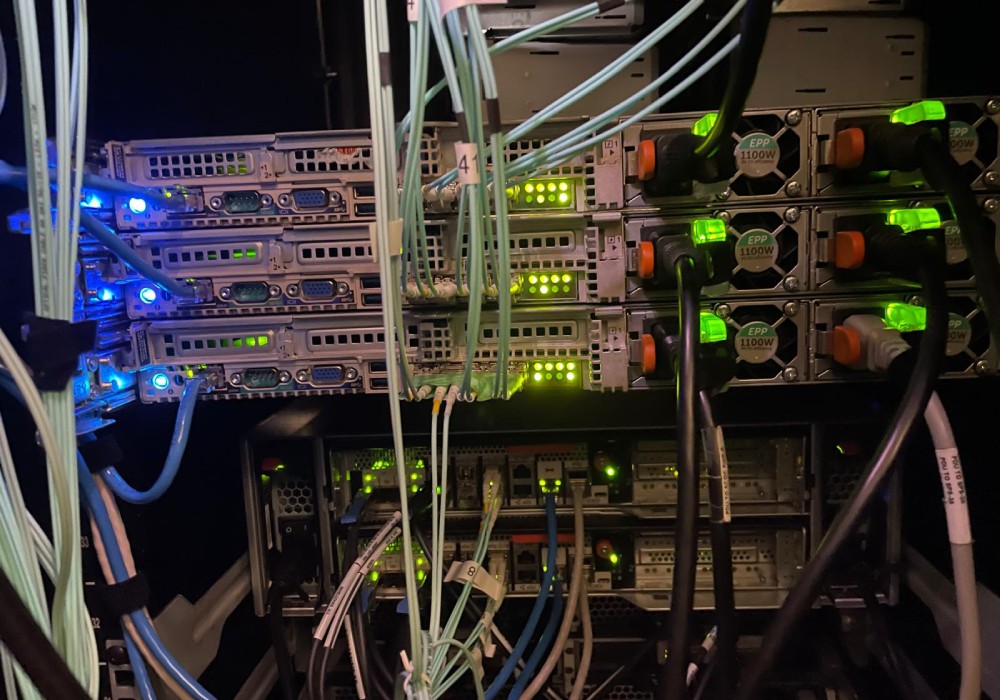
Simply put, cloud hosting is a way to host websites, applications, and business systems across a network of connected virtual and physical servers rather than relying on a single physical machine.
With modern technology, moving everything to the cloud is an obvious choice. So why do many businesses continue to rely on legacy hosting?
The answer is this: a lot is at stake when transitioning systems businesses depend on for 24/7 access, especially when those systems contain decades of valuable data, applications, and business knowledge.
That said, if you are considering a modern cloud migration for your business, it is important to understand how cloud hosting works, how it differs from legacy hosting, and what each approach can offer.
Here is an overview from HP-UX Hosting to help you better understand the difference between cloud hosting and cloud migration.
How Does Cloud Hosting Work?
Cloud hosting can be difficult to visualize, but the basic concept is that your website or application can access a shared pool of resources, including processing power, memory, and storage, across multiple servers. If a server experiences any hardware or software failure, workloads can potentially shift to other available resources, helping reduce downtime and keep critical applications accessible.
Why Choose Cloud Migration?
One thing to understand is that cloud hosting and cloud migration are related, but not the same.
Cloud hosting refers to where and how your applications, websites, or systems are hosted. Cloud migration is the process of moving applications, data, and workloads from an existing environment, such as a dedicated or legacy server, to a cloud platform.
Modern cloud migration can involve virtual machines, containers, and serverless technologies, depending on business needs and the applications being migrated.
One of the biggest advantages of moving to a cloud environment is flexibility. It scales resources up or down based on demand, letting businesses respond more efficiently to changes in traffic and workload.
Cloud platforms may also provide features such as redundancy, automated backups, monitoring, disaster recovery options, and geographically distributed infrastructure. Automated deployment tools can make it easier to roll out applications, updates, and other changes without relying entirely on manual processes.
What’s So Bad About Legacy Hosting?
This type of system relies on physical hardware, dedicated servers, or infrastructure located within a specific data center. For businesses with established systems, this approach can offer a high degree of control and predictability.
Businesses may keep these systems because their applications were designed for the existing environment, making a full migration complex, costly, or unnecessary. For some organizations, however, the stability and familiarity of an existing environment surpass these challenges.
The right choice conclusively depends on your business, your existing infrastructure, and the applications you rely on every day.
HP-UX Hosting Can Help With Your Cloud Hosting Needs
At HP-UX Hosting, our team has years of experience working with HP-UX environments and helping businesses evaluate and modernize their existing infrastructure.
Are you planning a cloud migration, or looking for a solution that lets you maintain your existing HP-UX environment? We can help you choose the approach that makes the most sense for your business.
Our goal is to help you modernize your infrastructure while limiting disruption to the systems and applications your business depends on.
If you have questions about cloud hosting or migrating your HP-UX environment to a modern platform, reach out through our website or call us at +1 303.790.7172.